


Understand the stories of the Bible
Get to know biblical people and events through videos and stories.
Watch Bible stories, find a message for your day, and share moments of faith with your family.
See the app
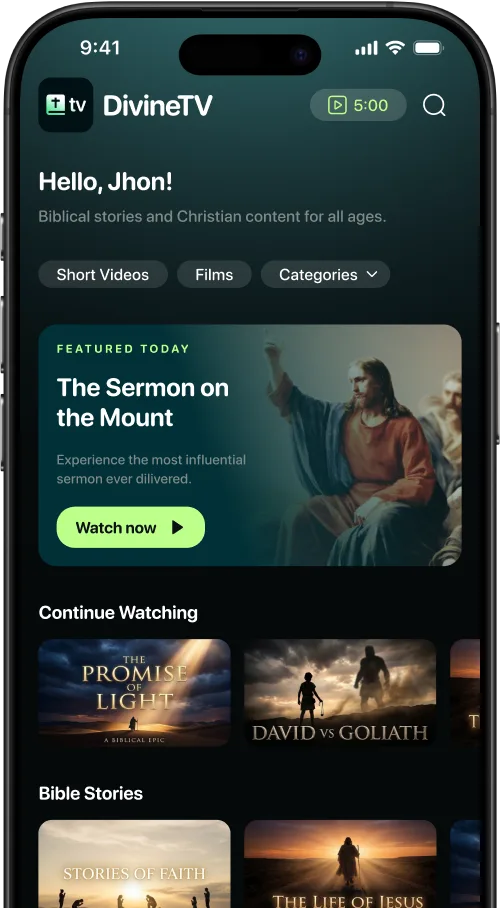
A moment for you
Bible stories, messages, and something to watch together. Choose what speaks to your day.
Get to know biblical people and events through videos and stories.

Explore messages, sermons, and reflections for your moments of faith.

Find Bible stories and animations to watch together.
Stories in the app
Start with David, follow Samson’s story, or watch the first episode about the birth of Jesus. These titles are available in DivineTV.
23 min
A young shepherd faces Goliath in this biblical story of faith and courage.

17 min
Follow Samson’s story in a video about this biblical figure.
13 min
The first episode of the story of Jesus’ birth: The Angels Visit.
A few examples from the English-language catalog. Available titles and languages can vary.
Inside DivineTV
A real screen recording: explore the home screen, browse titles, and start a video.
Your time in the app
Christian content, brought together and organized so you can choose what to watch next.
Discover
Browse Bible stories and messages in one place. Explore the home screen or search for a title when you know what you want to watch.
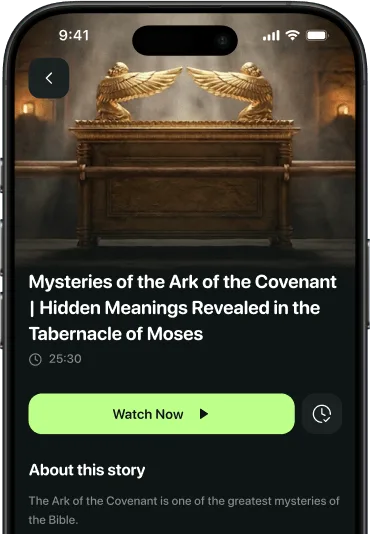
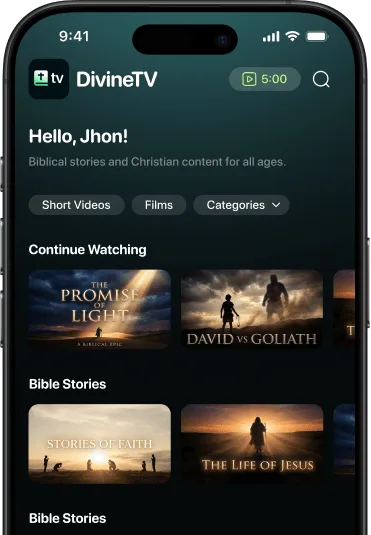
Continue watching
Find videos you have started in Continue Watching. Come back to a story without searching for it again.
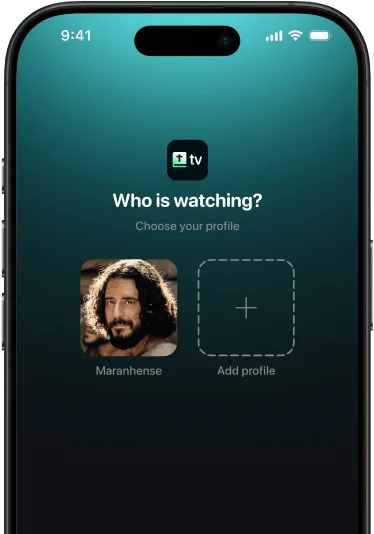
Family profiles
Create profiles for the people who use your account. Each profile keeps its own watch history, so everyone can return to their stories.
Also on the web
Open DivineTV on the web and sign in with your account. You can also view the existing website subscription options.
Prices, available offers, and payment terms are shown in the app or checkout before you subscribe.
Questions
Download DivineTV from the App Store or Google Play, then open the app and follow the steps on screen. Available offers and subscription terms are shown before you confirm a purchase.
Bible stories, messages, sermons, short videos, and animations to watch with your family. Titles and languages vary across the catalog.
The catalog includes Bible stories and animations for family viewing. Choose titles that suit your children’s ages and watch together.
Yes. You can create separate profiles in the same account. Each profile keeps its own watch history and Continue Watching list.
Yes. Open DivineTV in your browser and sign in with your account.
Open DivineTV on the webFor purchases made in the app, manage your subscription through the App Store or Google Play. For purchases made on this website, use the subscription management link with the email you used to subscribe.
Manage website subscriptionYour next story
Start with a Bible story. Find a message for your day. Watch together when the moment calls for it.